
Contents
Fashion product development is not one single workflow. It’s a sequence of stages, each with its own needs, tools, and problems to solve.
You don’t sketch the same way you source fabric.
You don’t manage production the same way you find inspiration.
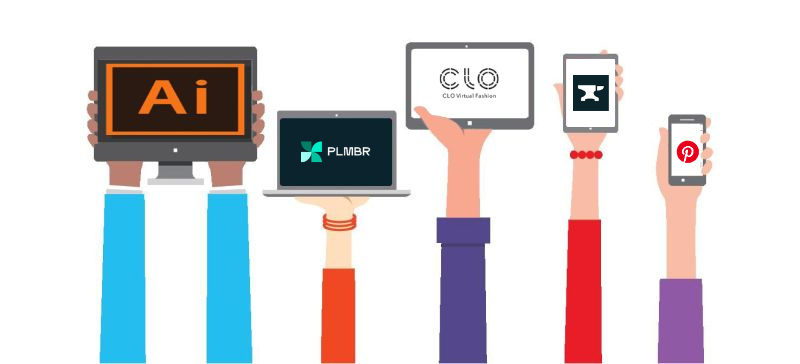
That’s why most designers today don’t rely on one app. They build a tool stack, choosing the right app for each stage of the journey.
In this post, we’ve picked one standout fashion app for each key stage of product development. These are tools that are widely used, easy to place in real workflows, and proven to work across teams.
If you want to go deeper and explore alternatives for each stage, we’ve linked a more detailed guide at the end.
1. Pinterest - Inspiration, Research & Moodboarding
Pinterest is still the most commonly used inspiration tool in fashion, even though it’s not built specifically for designers. It’s usually the first place designers go when starting a new project.
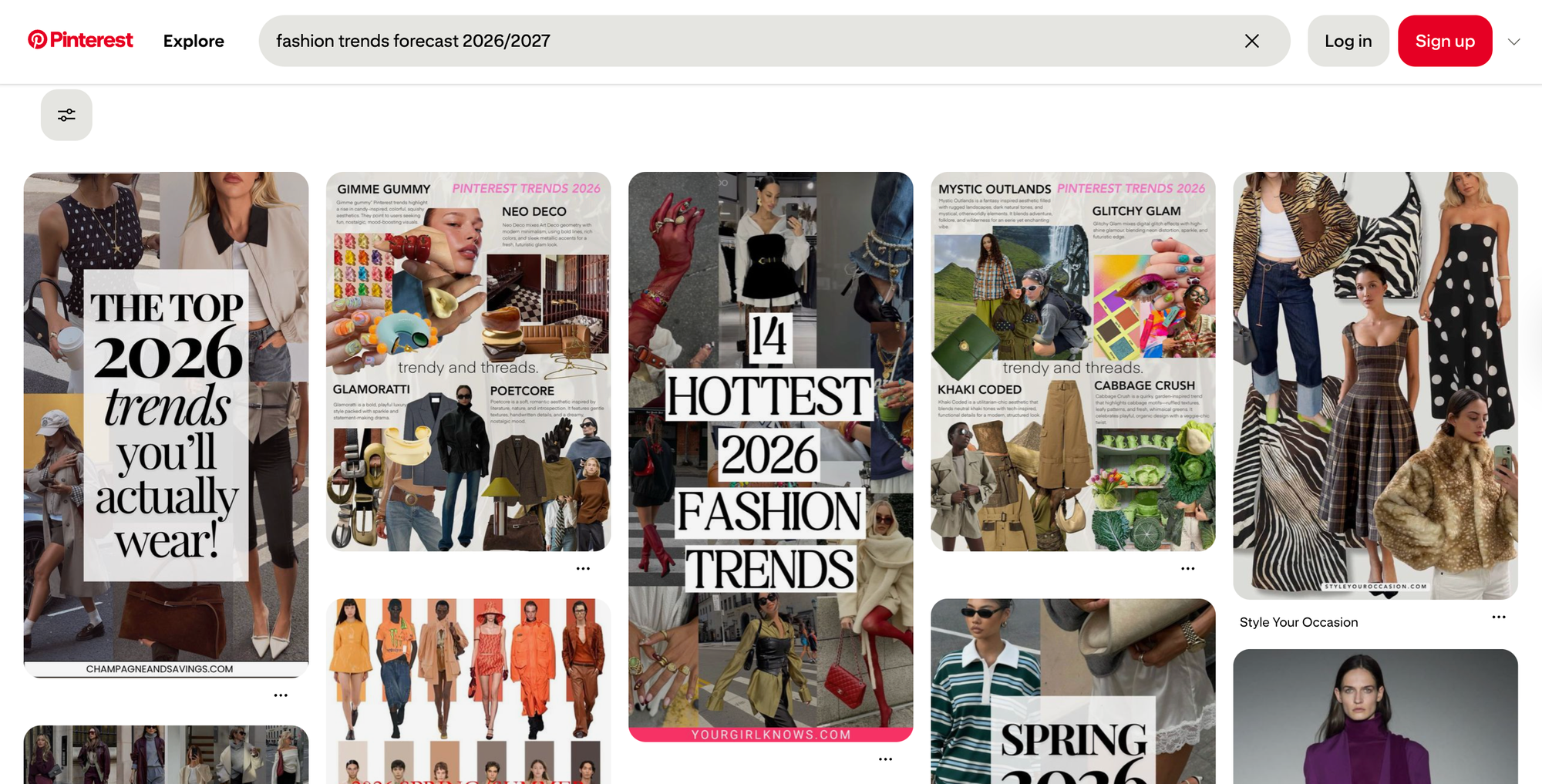
Designers use Pinterest to gather silhouettes, fabric ideas, color palettes, styling references, prints, textures, and sometimes even garment construction details. Boards are typically organized by season, client, or collection theme, and over time they evolve into a visual record of a designer’s thinking process.
What makes Pinterest especially powerful is how it supports early exploration. You don’t need a clear idea when you start. The platform’s algorithm surfaces related visuals and unexpected connections, helping designers refine direction while they’re still figuring things out.
Designers gravitate toward Pinterest because it offers immediate access to an enormous volume of visual references. It becomes easier to spot recurring aesthetics, emerging trends, and visual patterns across brands and markets. The ability to organize references into boards also makes it practical for structuring ideas before sketching even begins. In most workflows, Pinterest sits right at the ideation stage — supporting trend research, reference gathering, and concept alignment before any technical design work starts.
Other cool apps to look out for
- Behance for polished design inspiration
- Adobe Express for quick concept boards
2. Adobe Illustrator - Sketching & Early Concept Design
Adobe Illustrator is still the backbone of fashion design. Even in 2026, it’s the most commonly used tool for creating technical flats and clean garment drawings.
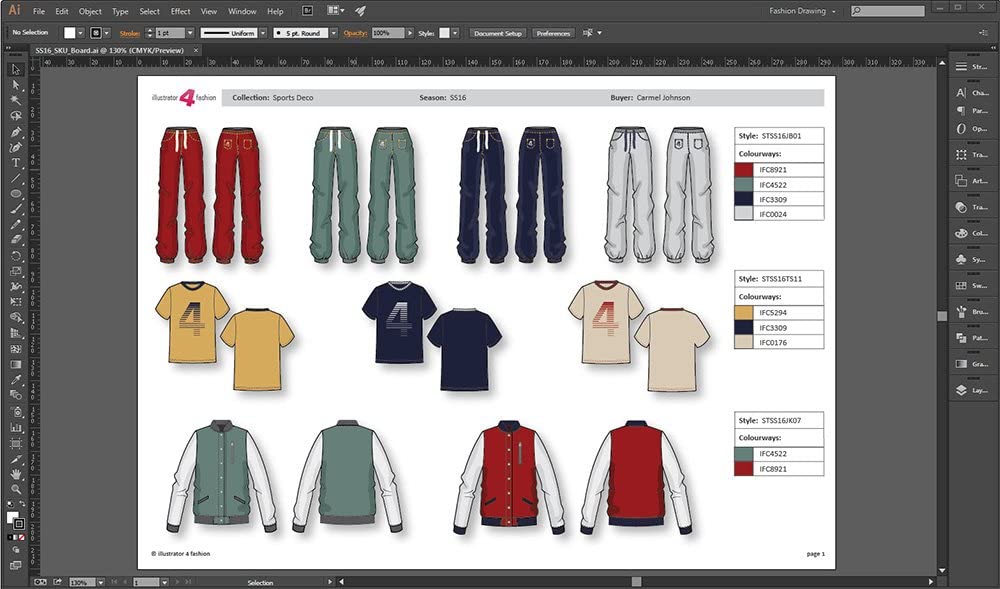
Designers typically move into Illustrator once ideas need refinement. When proportions must be accurate. When sketches need to be shared with technical designers or manufacturers. Because vector drawings scale without losing quality, Illustrator files stay reliable throughout long development cycles.
It’s not the fastest tool for expressive sketching, and it does come with a learning curve. But it’s trusted across the industry. Factories understand the files. Technical teams rely on the precision. That reliability is exactly why it continues to hold its place.
Most designers rely on Illustrator for its ability to produce clean, production-ready vector drawings that can be updated and revised without starting over. File formats are widely accepted across manufacturing ecosystems, which makes collaboration smoother. In the workflow, Illustrator fits best when designers are creating technical flats, refining early sketches, or preparing structured visuals that will later feed into tech packs.
Other cool apps to look out for
- Procreate for expressive hand sketches
- Repsketch as a cloud-based vector editor with fashion-focused templates and a growing community
 Oleksandra Baukh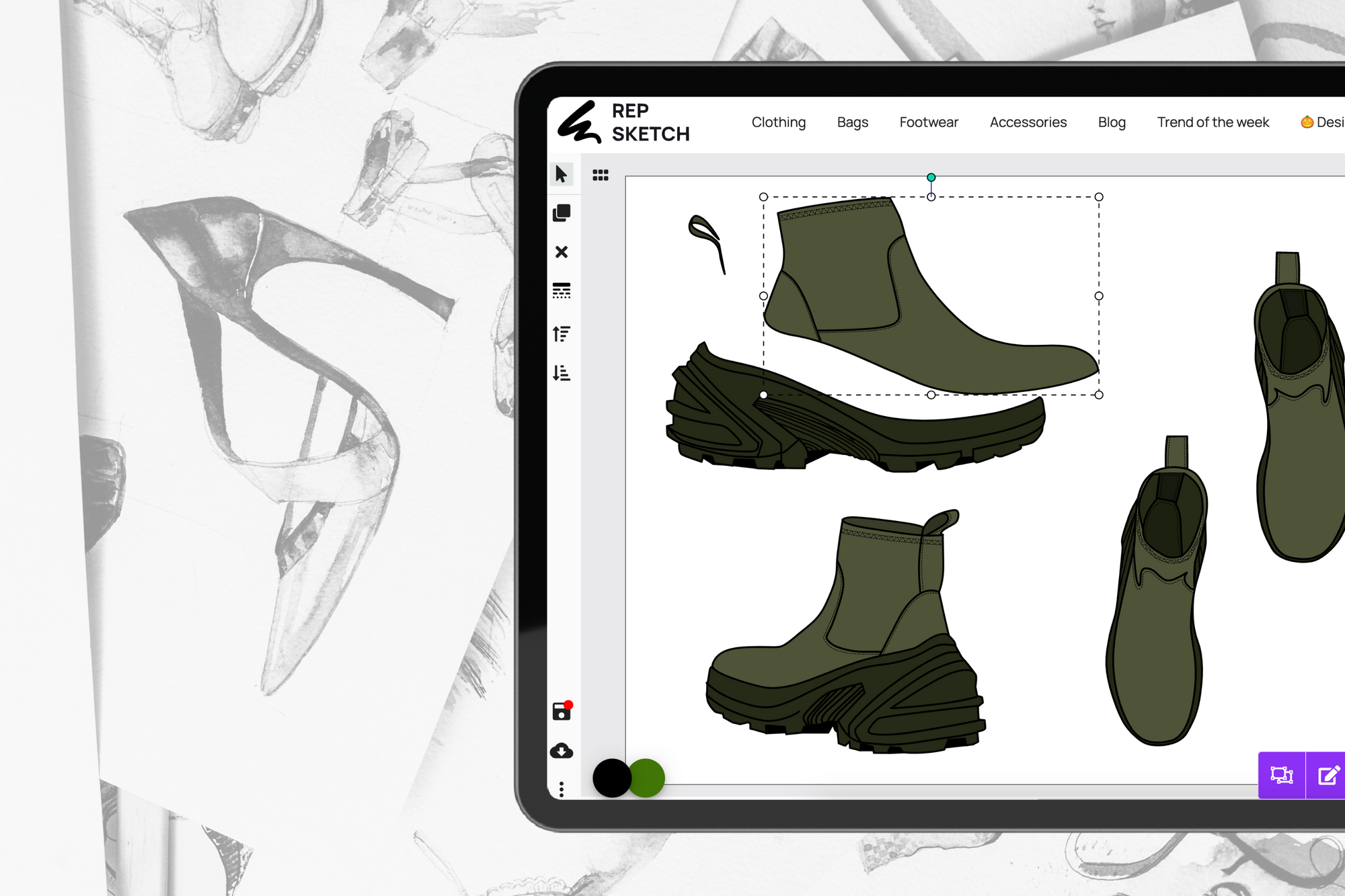
3. Gerber AccuMark - Pattern Making (2D CAD)
Gerber AccuMark is one of the most widely used pattern-making systems in the global fashion industry. If you’re working with large manufacturers or established production houses, there’s a good chance Gerber is already part of their workflow.
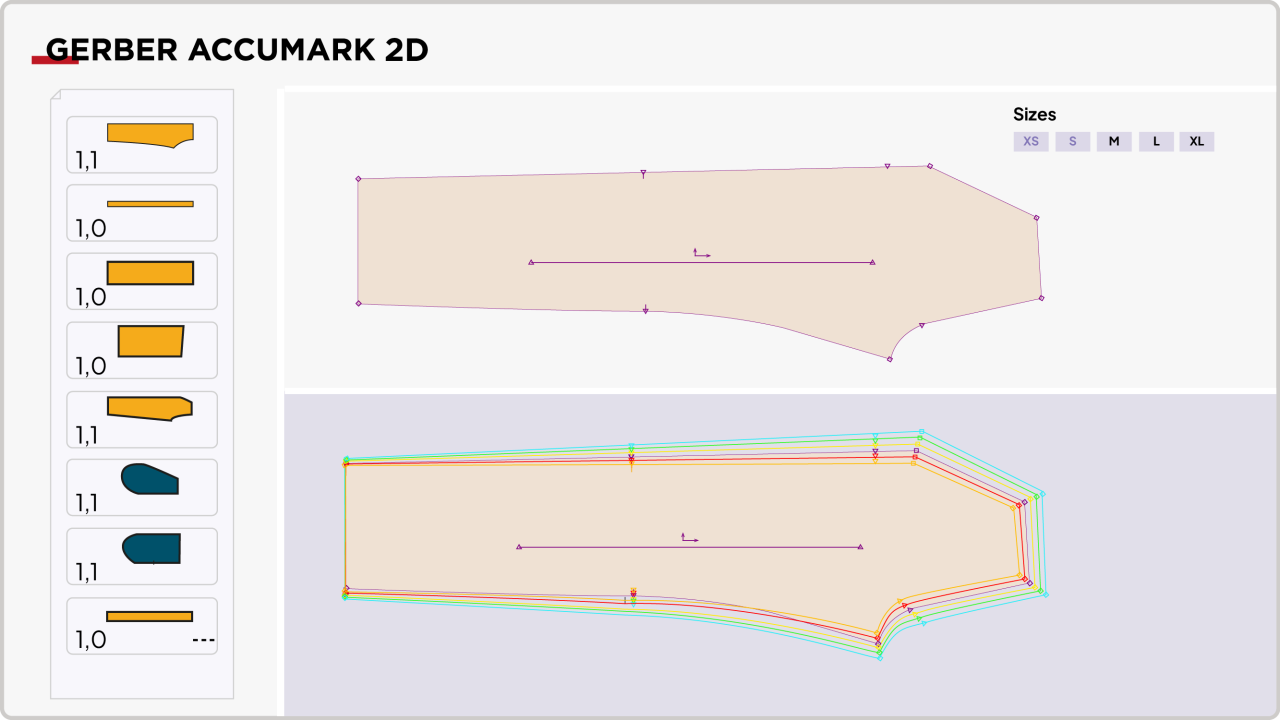
Pattern makers use AccuMark to draft patterns, grade sizes, and generate production-ready files. The system is built for precision rather than creativity. Its role isn’t to experiment — it’s to ensure patterns are technically accurate and manufacturing-ready.
For many designers, Gerber sits slightly outside daily creative work. But its downstream impact is significant. Well-engineered patterns reduce sampling rounds, minimize fit issues, and streamline production timelines.
Teams rely on Gerber because of its accuracy in drafting and grading, along with its widespread acceptance across manufacturers worldwide. It produces outputs that factories can immediately work with, reducing translation errors. Within the product development lifecycle, it fits squarely into professional pattern making, pre-production preparation, and large-scale manufacturing environments where consistency is critical.
Other cool apps to look out for
- Lectra Modaris for enterprise setups
- Optitex for teams bridging 2D and 3D workflows
4. CLO - 3D Design, Fit & Virtual Prototyping
CLO is currently the most widely used 3D fashion design tool across the industry. It’s used by independent designers, mid-size brands, and even large companies experimenting with digital sampling.
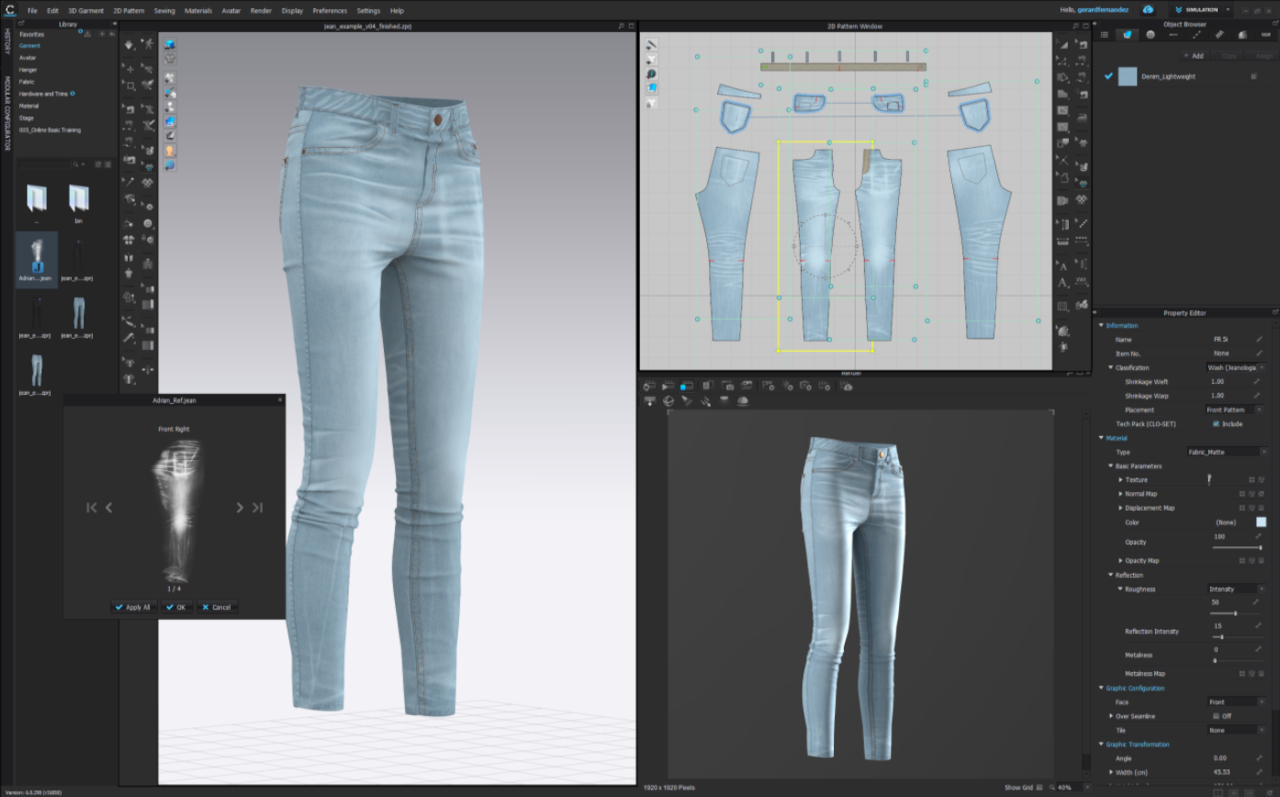
Designers build garments in 3D using actual pattern files, allowing them to simulate fit, test proportions, and evaluate fabric drape before producing physical samples. This significantly reduces development time and sampling costs.
CLO works best when integrated into a broader workflow rather than used in isolation. The accuracy of the output depends heavily on the accuracy of the inputs, especially patterns and measurements.
Teams value CLO for its realistic garment simulations and the ability to visualize fit issues early. It supports stronger design validation before production begins and helps align stakeholders during reviews. In practice, it fits into workflows focused on reducing physical samples, validating fit and proportions early, and presenting designs in a more immersive format prior to manufacturing.
Other cool apps to look out for
5. Techpacker - Technical Design & Tech Pack Creation
Techpacker is built specifically for creating and managing tech packs. It’s not a sketching tool and it’s not a design canvas. Its job is to organize information clearly and keep everyone aligned.
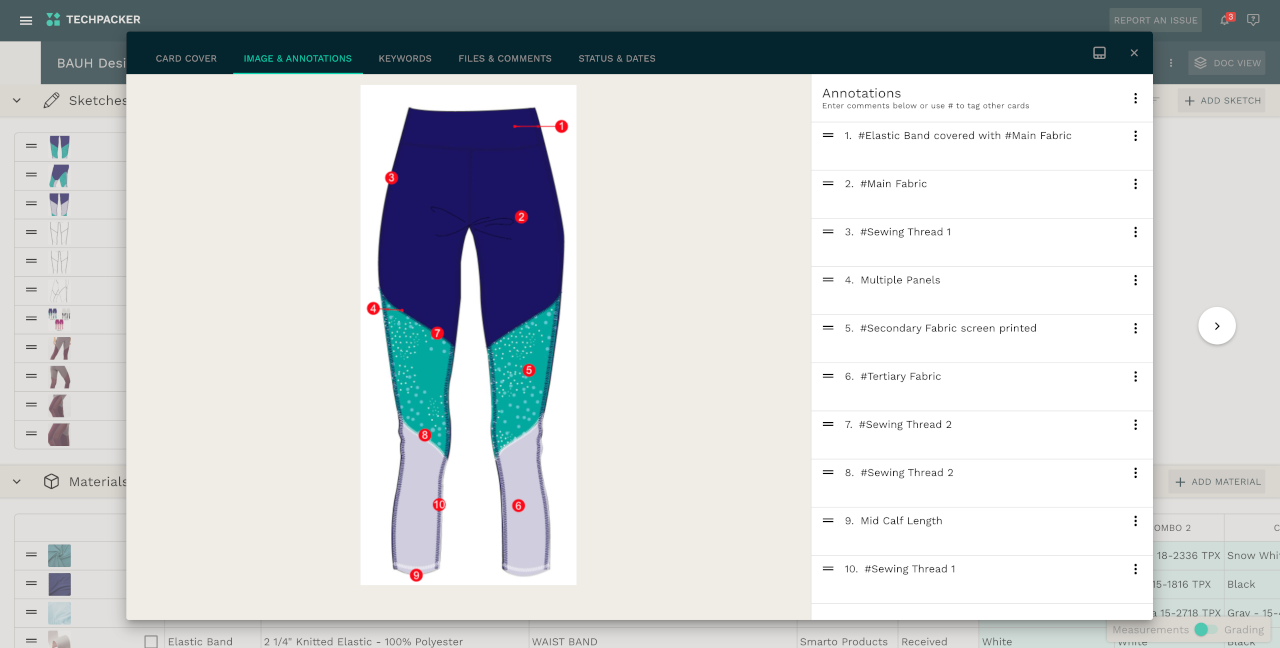
Designers and technical developers use Techpacker to consolidate flats, measurements, construction notes, BOMs, and sampling comments into one centralized system. Instead of managing disconnected PDFs, spreadsheets, and email threads, everything lives in a single collaborative workspace.
One of its biggest advantages is version control. Teams can track updates, monitor revisions, and ensure factories always reference the correct file set.
Because of this structure, teams adopt Techpacker to centralize tech packs, streamline collaboration, and reduce production errors caused by outdated documentation. It fits most naturally during final design handoff stages, revision tracking, approval management, and ongoing factory communication throughout sampling.
Other cool apps to look out for
- Adobe Illustrator for flats and callouts
- Excel for legacy factory workflows
Subscribe to our blog and get free access to
All premium articles
E-courses and ebooks
Ad-free experience
Tech pack templates
6. PLMBR - Product Lifecycle Management (PLM)
PLMBR is designed for fashion teams that want structure without heavy complexity. It focuses on making product data easier to manage and easier to share across teams.

Brands typically adopt PLMBR when spreadsheets and folder systems begin to fail. As style counts grow and revisions multiply, manual tracking becomes risky and inefficient. PLMBR centralizes style data, BOMs, timelines, approvals, and development updates so information no longer sits in silos.
A key differentiator is usability. Teams tend to onboard faster because the platform feels intuitive rather than technical.
Organizations use PLMBR to create a single source of truth for product data while improving collaboration across design and development. It provides clearer visibility into timelines and product changes, making it especially valuable for growing brands scaling collections or managing multiple concurrent styles.
Other cool apps to look out for
- Centric PLM for large enterprise brands
- Bamboo Rose for retail-driven product development
7. Maker’s Row - Sourcing, Manufacturing & Supplier Management
Maker’s Row is often used by small to mid-size brands looking to find manufacturers, especially in the US. Designers and founders use it when they’re moving from sampling into production and need trusted factory partners.
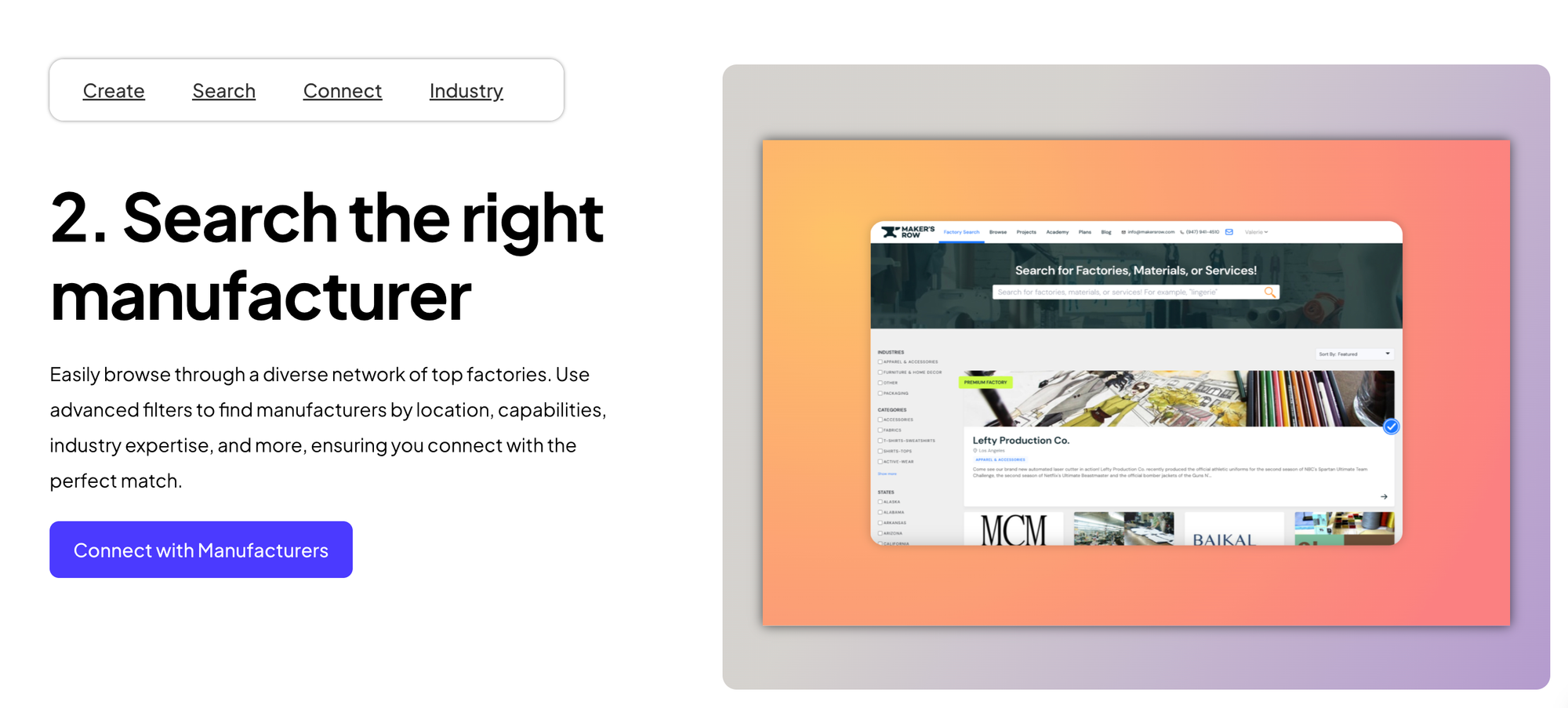
Founders and designers often turn to the platform when transitioning from sampling to production and needing reliable factory partners. The system allows brands to search manufacturers based on category, capability, and geography.
It’s less about production management and more about partner discovery — helping brands find the right people to actually make the product.
Teams rely on Maker’s Row because it simplifies access to vetted manufacturers and supports local production initiatives. It’s particularly useful for early-stage brands navigating sourcing decisions or managing smaller production runs where flexibility and lower MOQs matter.
Other cool apps to look out for
- Sourcify for end-to-end sourcing support
- Supply Compass for production tracking and sustainability
8. Canva - Marketing, Portfolio & Presentation
Canva is used when speed matters more than control.
Designers use Canva to create quick marketing assets, internal presentations, and simple visual content without setting up complex layouts. It’s especially useful for small teams or solo designers who need to move fast.
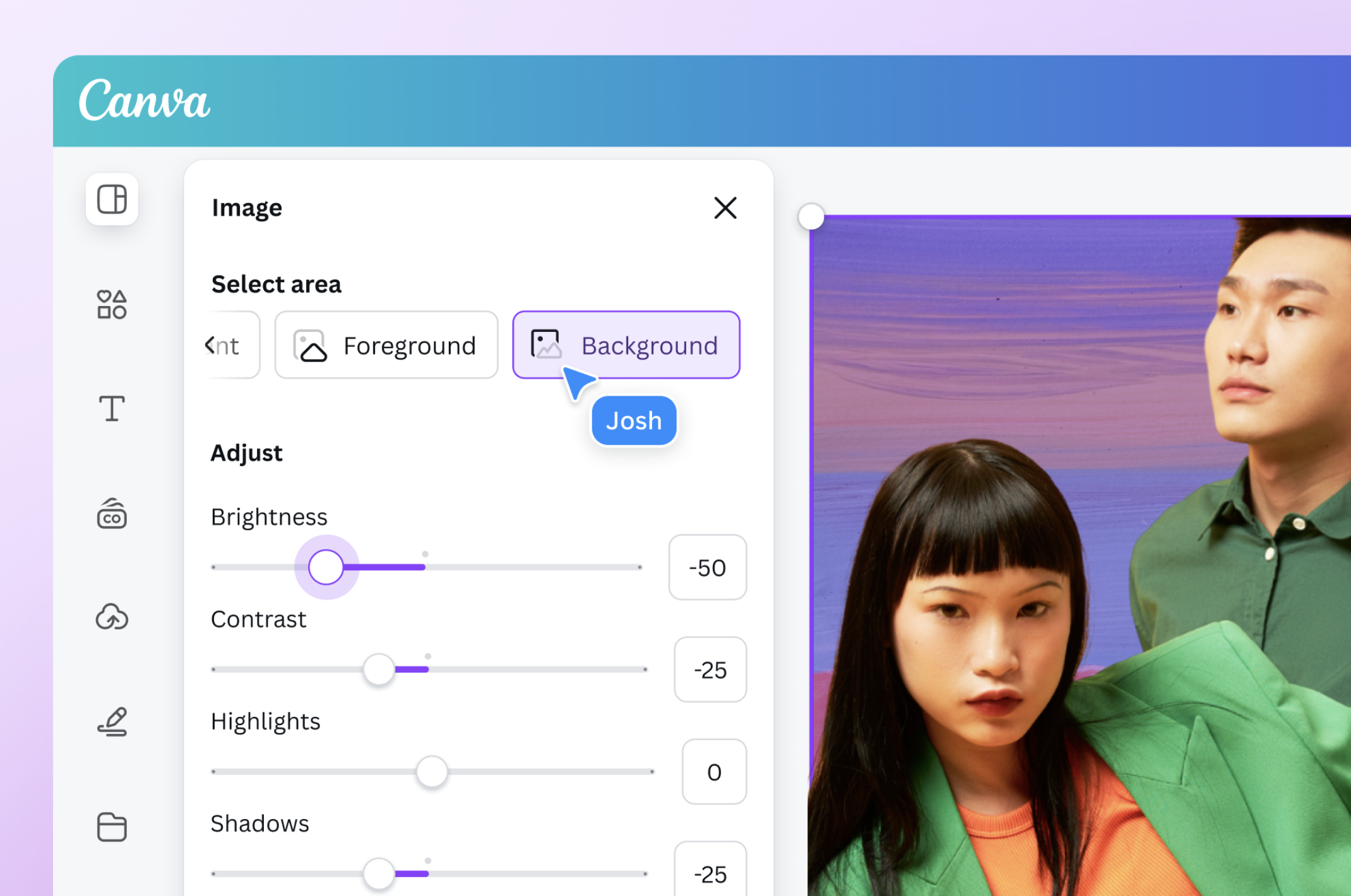
Canva isn’t meant to replace professional design tools like InDesign. Its strength lies in reducing friction — helping teams create shareable visuals quickly.
Most designers adopt Canva because it’s fast, intuitive, and requires no heavy setup. Collaboration and sharing are built in, making it ideal for internal reviews or external presentations. Within the workflow, it fits best for quick decks, marketing visuals, and low-stakes branded assets that need to be produced efficiently.
Other cool apps to look out for
- Adobe InDesign for professional lookbooks
- Behance for portfolio visibility
9. ChatGPT - AI Tools for Fashion Designers
ChatGPT is increasingly being used as an operational assistant rather than a design replacement.
Fashion teams rely on it to draft tech pack notes, structure supplier emails, build workflows, and clarify production processes. It becomes especially valuable in technical and documentation-heavy stages where clarity matters.
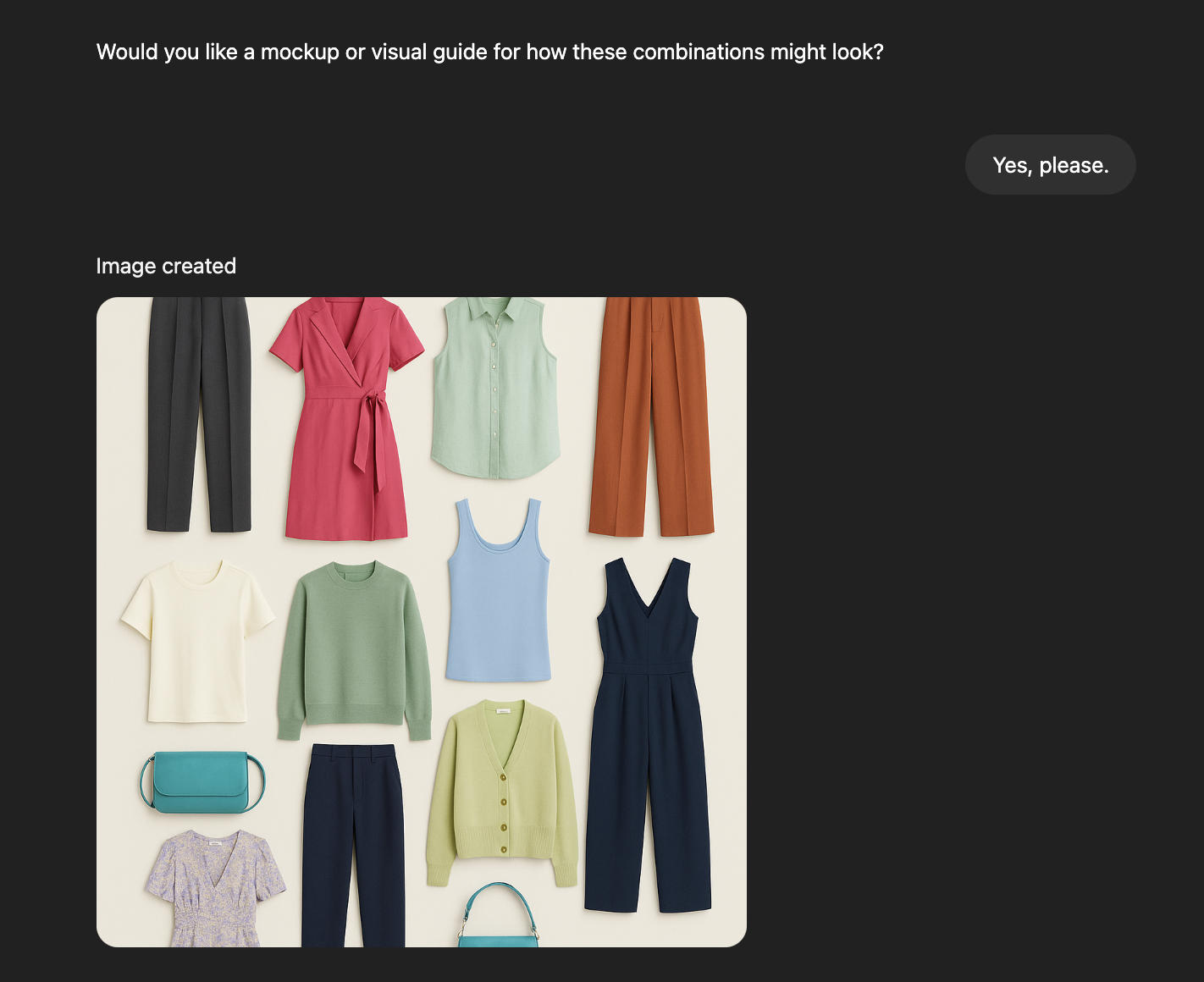
Instead of starting from scratch, designers use it to accelerate thinking, refining communication and reducing back-and-forth errors with factories.
Its value lies in supporting documentation, organizing development steps, and simplifying how requirements are communicated. Designers often integrate it into technical design workflows, supplier communication, and process planning where structured thinking is essential
Other cool apps to look out for
- Midjourney for concept visuals
- Runway for campaign and video content
There’s no single app that does everything well.
If you want to explore more tools, alternatives, and deeper comparisons, you can dive into our detailed guide that breaks down 27 fashion apps by product development stage.
Sayam kochar