
Contents
Click here for TL;DR
- The biggest productivity problem in fashion workflows isn't a lack of tools. It's the manual translation happening between design files, spec documentation, and factory communication.
- Technical designers and fashion designers lose time at different stages, so a tool list that treats both roles the same doesn't really help either one.
- Adobe Illustrator and Excel are industry defaults, but they were built for completely different jobs. Every update that requires touching both multiplies your revision work.
- CLO 3D can cut entire sample rounds. For a brand running 60 styles per season at three rounds each, removing just one round saves roughly $9,000 before counting time costs.
- The fastest teams in 2026 aren't the ones with the most software. They're the ones who figured out exactly where time was leaking and fixed that one process with something actually built for it.
You finish a design at 11 PM. You export the flat from Illustrator, rebuild the spec layout in Excel, copy-paste measurements into a PDF, and email everything to the factory. Two weeks later the sample comes back wrong. You dig through your files and realize the factory was working off version three, not version five.
For most technical designers, that's not a horror story. That's just a regular Tuesday.
The fashion product development cycle has compressed a lot over the past decade, but the internal stack most teams run on hasn't kept up. Illustrator was built to draw. Excel was built to calculate. Neither was built to handle factory communication, and pushing them into that role is where hours disappear and where misreads start.
The mistake most designers make is thinking they need more tools. The real issue is what's happening in the gaps between the tools they already have.
This post covers eight tools organized by workflow stage so you can spot the one bottleneck that's actually costing you the most.
Why Technical Designers and Fashion Designers Have Different Tool Problems
These two roles share some tools but lose time in very different places. Fashion designers tend to lose time during ideation and at the handoff to technical development. Technical designers lose time in documentation, version management, and factory back-and-forth.
The fit and revision rounds alone take 4 to 8 weeks per collection cycle, according to AJG Fashion Consulting's breakdown of the apparel development timeline. Both are documentation problems, not design problems, and that shapes everything on this list.
8 Tools That Earn Their Place in Your Stack
There's no shortage of software marketed at fashion designers. What's actually rare is a tool that fits cleanly into how product development really works, without creating more steps than it removes.
1. WGSN: Make Better Design Decisions Before Development Starts
Stage: Trend research and early design direction
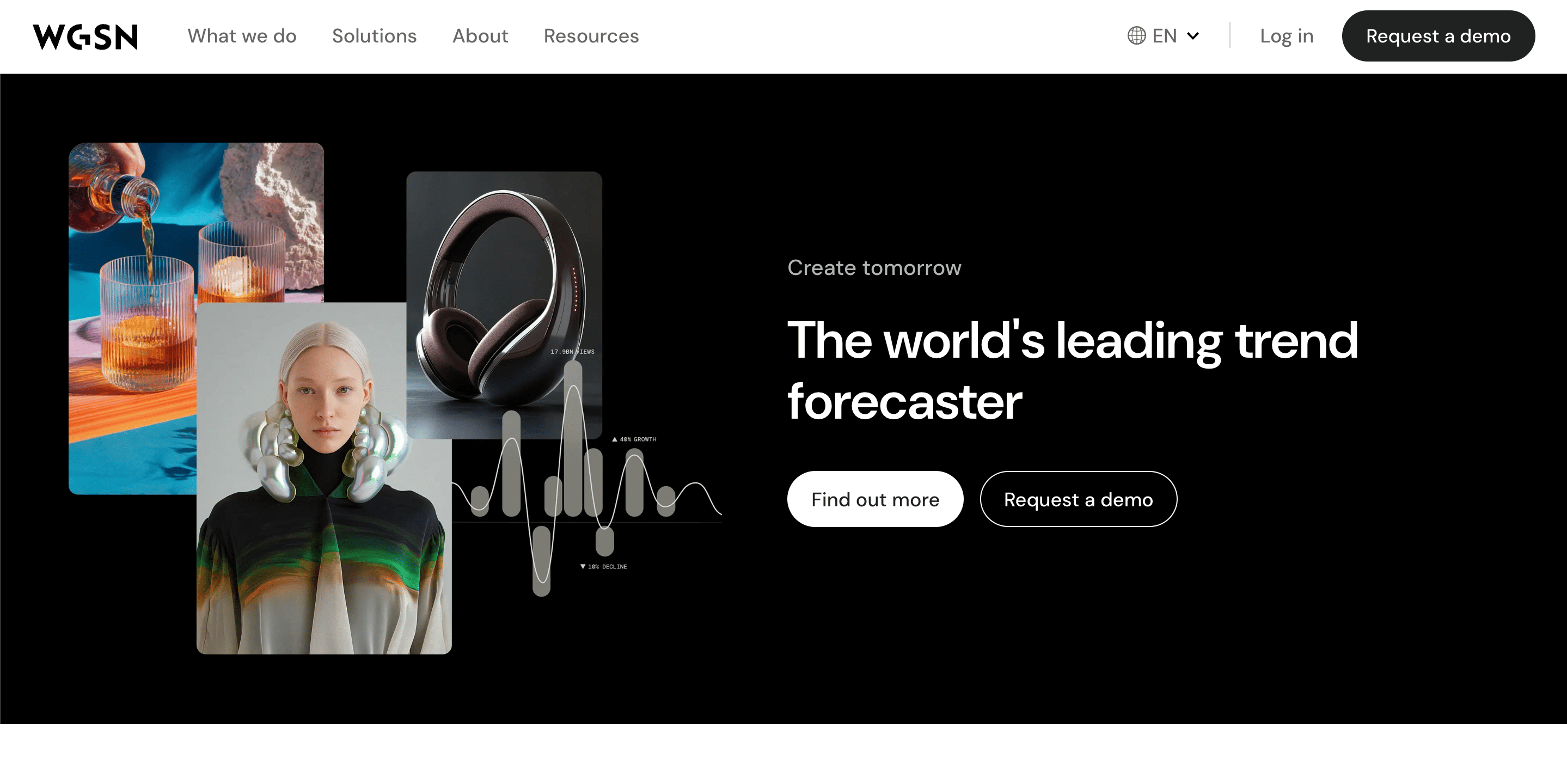
WGSN is the leading fashion trend forecasting platform, giving you data-backed trend direction, color forecasting, and consumer insight at the collection planning stage. The platform uses machine learning to process market signals faster than manual research can, so trend synthesis that used to take days now surfaces in hours.
The productivity gain is upstream: poor trend alignment at the design stage tends to cause collection edits during development, and those edits cost real time and real sample budget. Worth noting that WGSN's pricing reflects its positioning, and smaller brands may find community forecasting resources get them most of the way there.
Who it's for: Design directors and brand leads developing seasonal collections in trend-sensitive categories.
2. Procreate: Speed Up the Ideation Phase on iPad
Stage: Creative concept exploration and print design
Procreate is a digital illustration app for iPad used for early-stage concept sketches, mood development, and print design before work moves into vector-based production files. The productivity case is really about catching misalignment early.
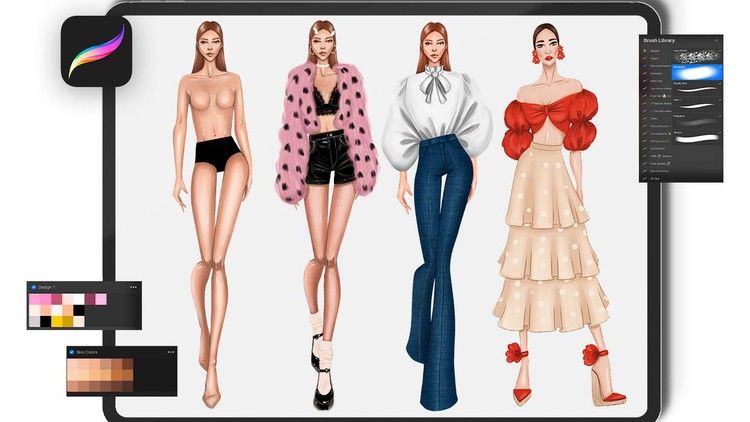
Designers who share rough concept variations early tend to spot disagreements with creative directors at the point where changes are cheapest to make, and late-stage pivots driven by misalignment that could have been caught in week one are one of the most consistent sources of unplanned time loss in fashion development.
Who it's for: Fashion designers doing creative ideation and print work.
3. Pantone Connect: Keep Color Communication Consistent Across Teams
Stage: Color development and production communication
Pantone Connect is Pantone’s digital color platform used to standardize color selection and communication across design teams, mills, suppliers, and manufacturers. Instead of relying on screenshots or visually approximated color references, teams work from a shared library of production-ready Pantone colors tied to standardized color systems.
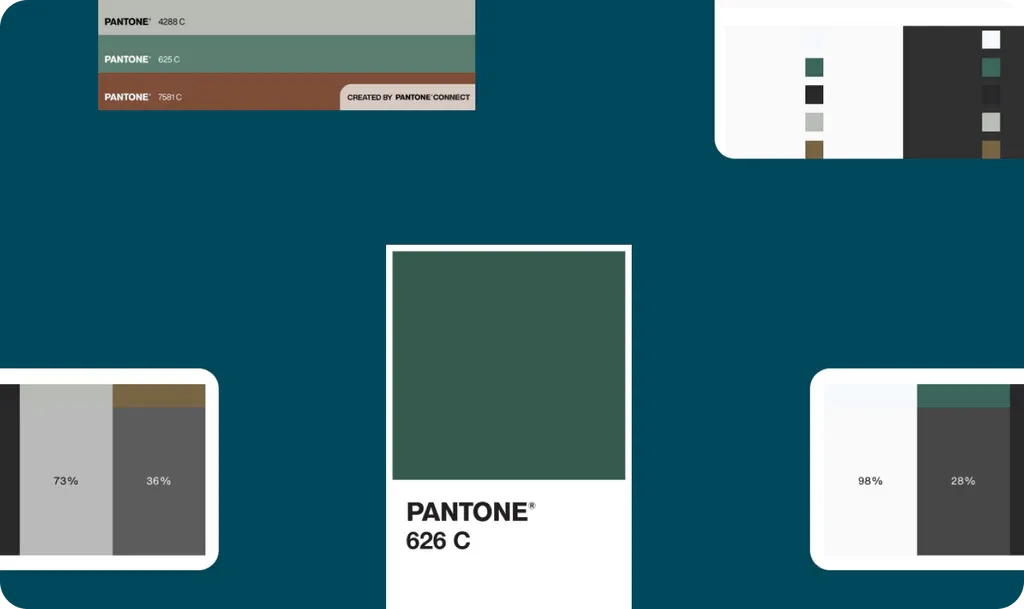
The productivity gain shows up during development and sampling, where color mismatches often lead to unnecessary revisions and delays. Standardized digital color references help reduce interpretation gaps before fabrics and trims move into sourcing and production.
Pantone Connect also integrates naturally into existing Adobe-based workflows, making it easier for teams to move from concept development into production communication without rebuilding color systems manually.
Who it's for: Fashion designers, color designers, and product development teams managing seasonal collections across multiple suppliers and production partners.
4. Repsketch: Faster Technical Flats Without Starting From Scratch
Stage: Sketching and garment illustration
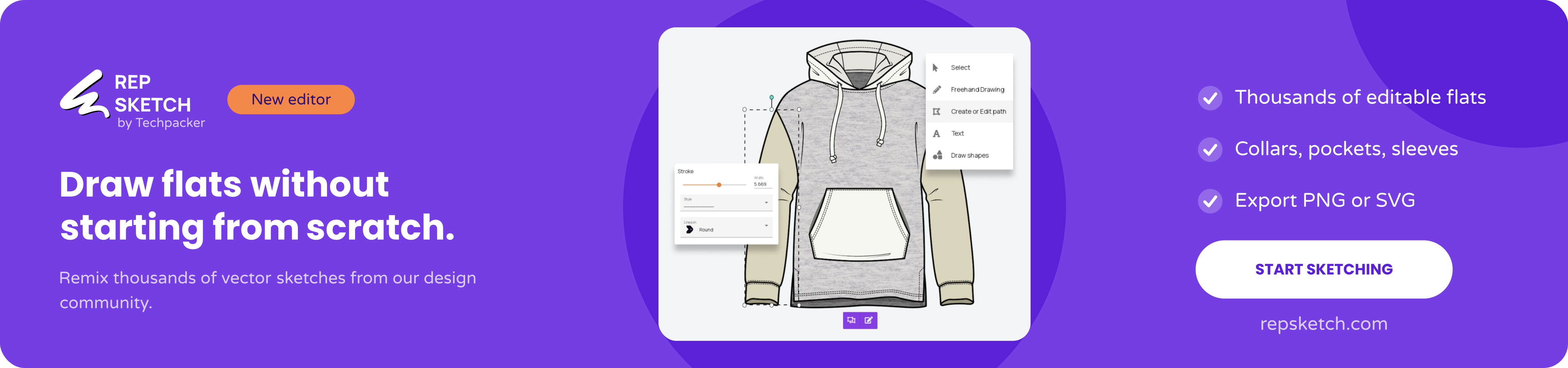
Repsketch is a fashion-focused vector sketching platform built around reusable garment flats and shared design resources. Instead of rebuilding technical sketches from scratch every time, designers can repurpose existing vector garments, modify construction details, and adapt silhouettes for new styles and collections.
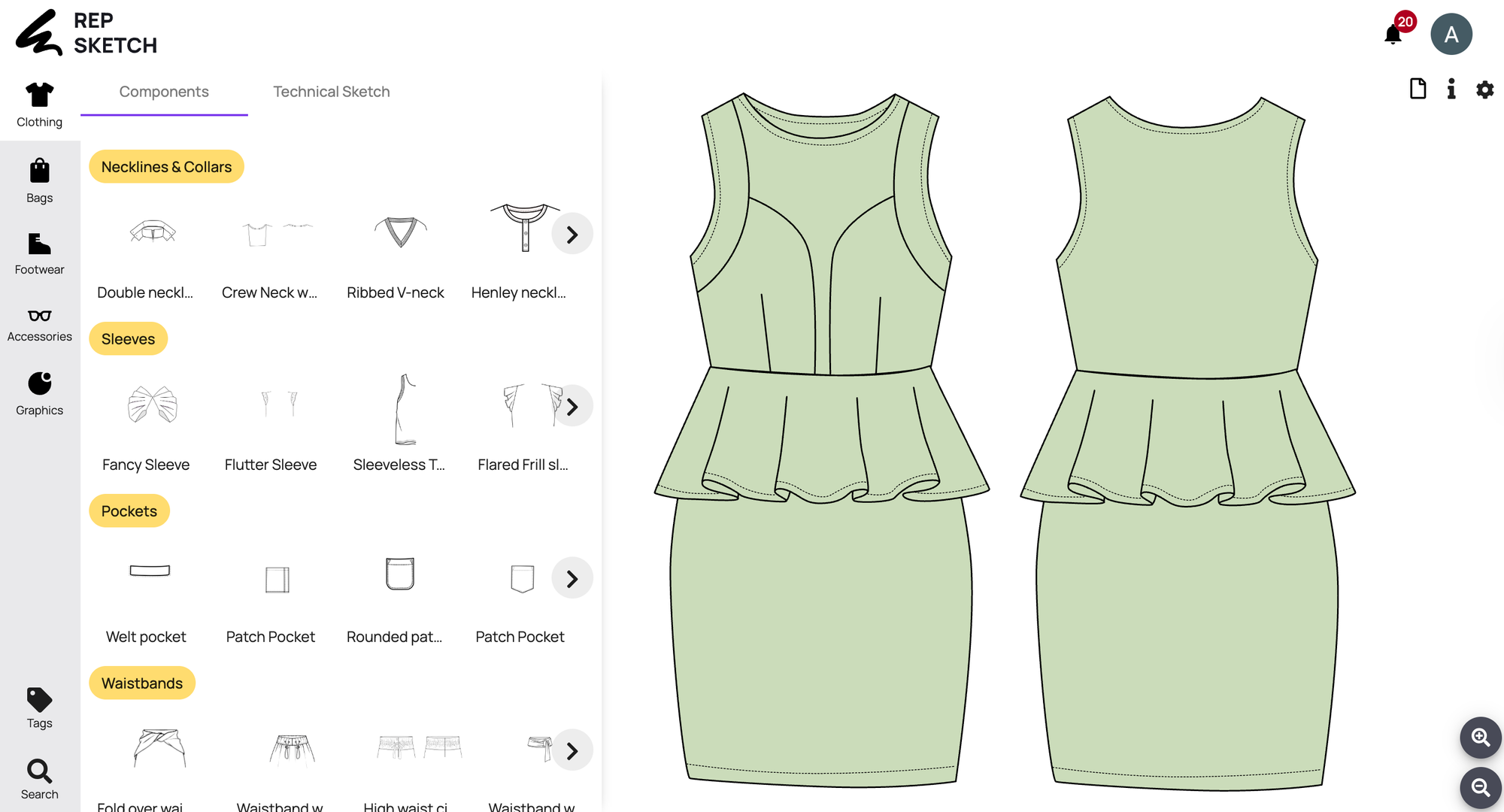
The platform uses editable SVG vector files rather than locked proprietary formats, making sketches easier to reuse, organize, and share across workflows. Unlike traditional vector editors built primarily for graphic design, Repsketch is designed specifically for apparel and product designers who need faster sketch workflows without the complexity and overhead of a full graphic design suite.
The productivity gain comes from reducing repetitive setup work and making professional technical sketching more accessible, especially for smaller teams and emerging designers.
Who it's for: Technical designers, freelance product developers, fashion startups, and emerging designers who need professional vector garment flats without an Illustrator dependency.
5. CLO 3D: Cut Physical Sample Rounds Before They Happen
Stage: 3D garment visualization and virtual prototyping
CLO 3D lets designers simulate garments on virtual avatars with accurate fabric physics, fit behavior, and drape before a single physical sample gets cut.
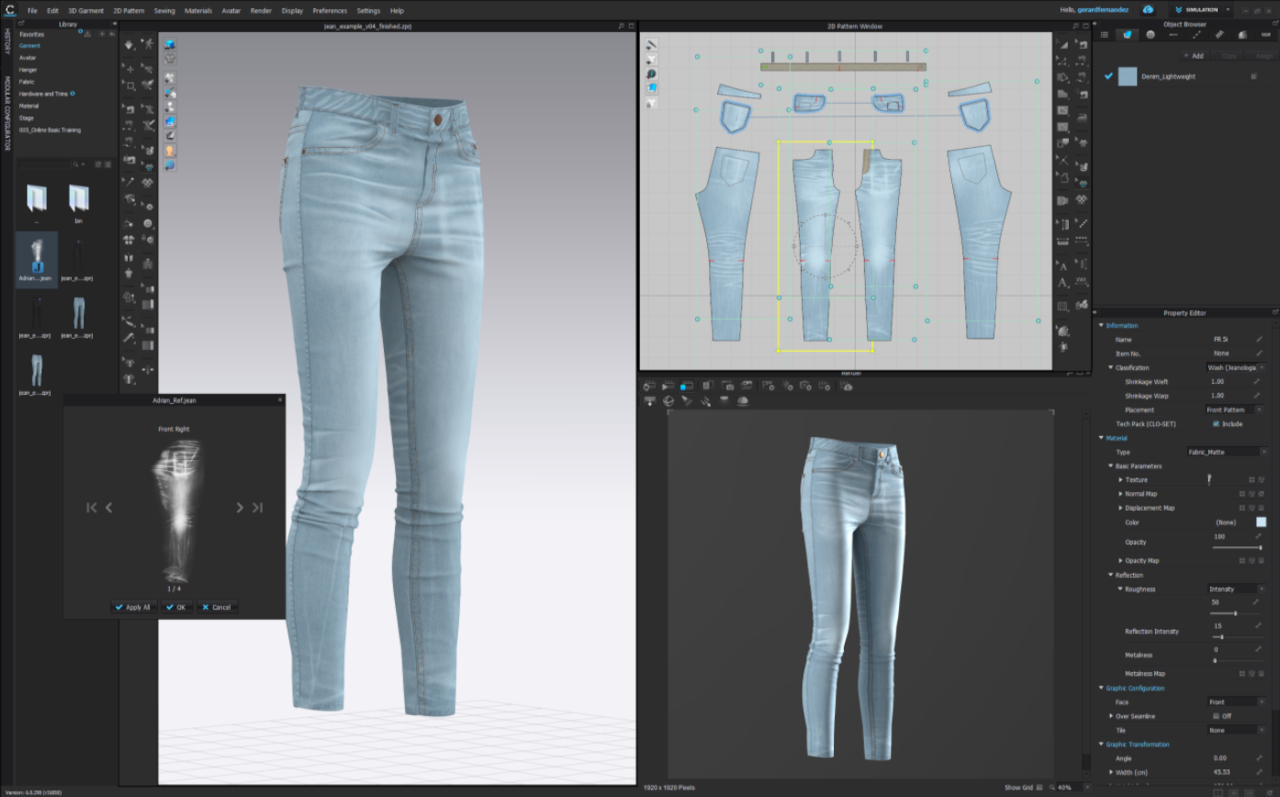
According to a fashion sampling cost breakdown by Adstronaut, physical garment sampling runs $200 to $1,500 per style per round, with most styles requiring 2 to 4 rounds before production approval.
Brands use CLO 3D for digital prototyping at this scale. AI-assisted pattern adjustment is also becoming a genuine feature inside CLO 3D and platforms like Style3D AI, which reduces manual grading work on top of the sample-round savings.
Who it's for: Product developers and technical designers at brands developing 20 or more styles per season.
6. Techpack Builder: Replace the Illustrator Plus Excel Stack
Stage: Tech pack creation and factory documentation
Techpack Builder is a native desktop app for Mac and Windows that puts structured spec data and visual layout in one editor. You stop switching between a design tool and a spreadsheet because both live in the same place.
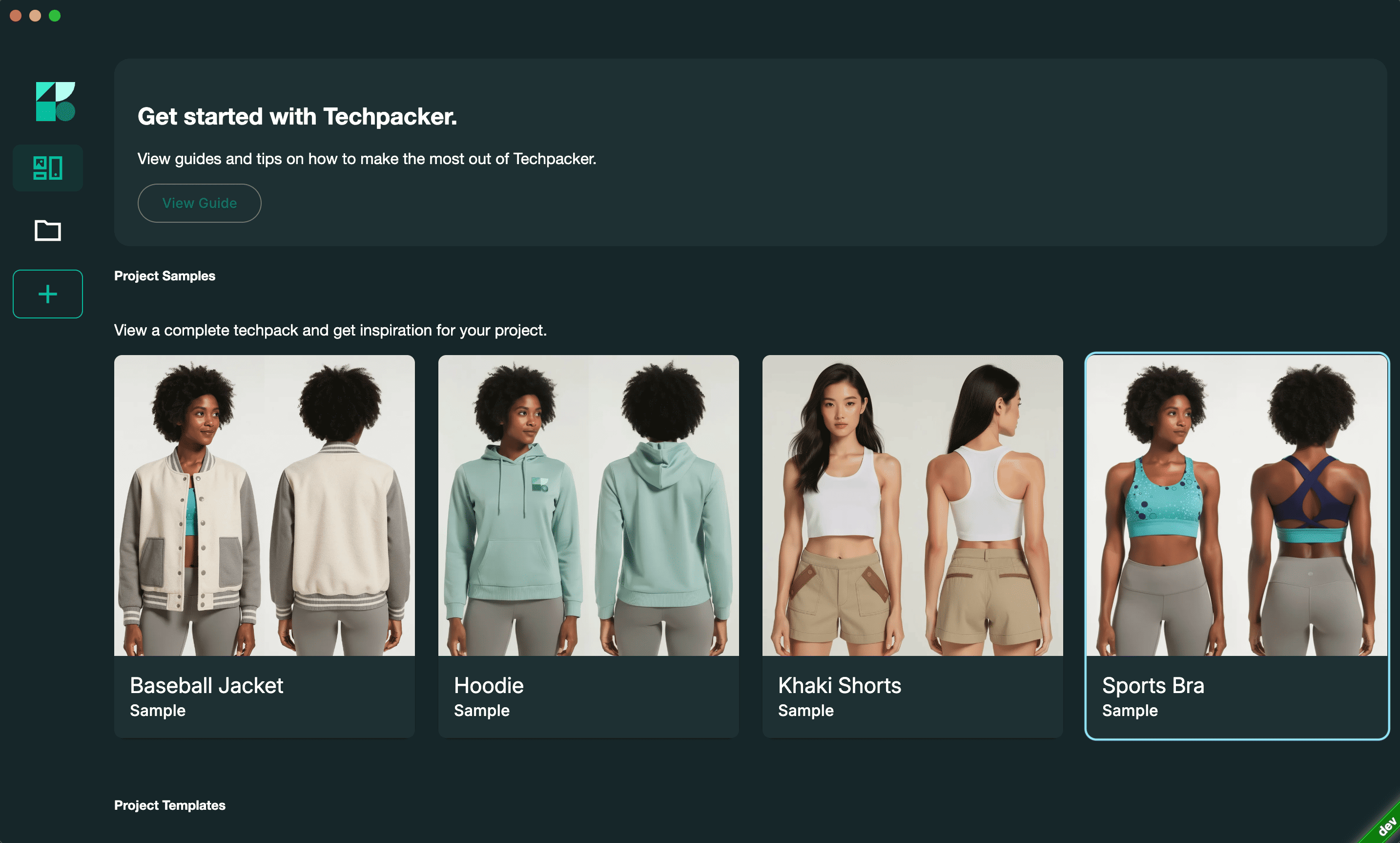
It runs locally, works offline, and your files stay private. No sign-up needed to get started. The .tp format is your editable project file, and the .tpv format is a lightweight, read-only alternative to PDF built for sharing with manufacturers.
Key features for productivity:
- WYSIWYG editor: What you build is exactly what the factory gets, with no reformatting on export.
- Drag-and-drop annotation: Callouts attach directly to the part of the garment they describe, not to a separate text block the factory has to cross-reference.
- Content block architecture: Copy blocks across projects. A collar spec that works in one style drops into the next without starting over.
- Free professional templates: Factory-ready templates for apparel, footwear, accessories, and home furnishing.
- Version control: Every externally shared version is logged, so you always know what was sent and when.
Who it's for: Freelance designers juggling multiple client tech packs, technical designers who need spec accuracy and version clarity, manufacturers creating tech packs for brand clients, and D2C brands that want professional documentation without the overhead of a full PLM.
7. PLMBR: Graduate to Full Product Lifecycle Management
Stage: End-to-end product development management
PLMBR is the PLM built by the Techpacker team for brands that have outgrown standalone tech pack documentation and need to manage the full product lifecycle in one place.

Where Techpack Builder handles spec creation and factory sharing, PLMBR adds the operational layer on top: costing, sampling status, time-and-action calendars, materials tracking, ERP integrations, and a dedicated manufacturers' hub.
It's built around tech packs as the central data object, so the transition from Techpack Builder feels like a graduation rather than a migration. Teams that move to PLMBR typically do so when they're managing enough styles, suppliers, and internal stakeholders that a standalone spec tool no longer covers the coordination work.
Who it's for: Growing brands managing complex seasonal collections across multiple suppliers who need reporting, tracking, and supplier collaboration beyond what a tech pack tool covers.
8. Notion: Give Your Development Calendar Some Structure
Stage: Project management and collection tracking
Notion was not built for fashion, but it gets used widely by small to mid-size teams to manage the product development calendar, track sample status, and keep feedback in one place instead of scattered across email chains and Slack.
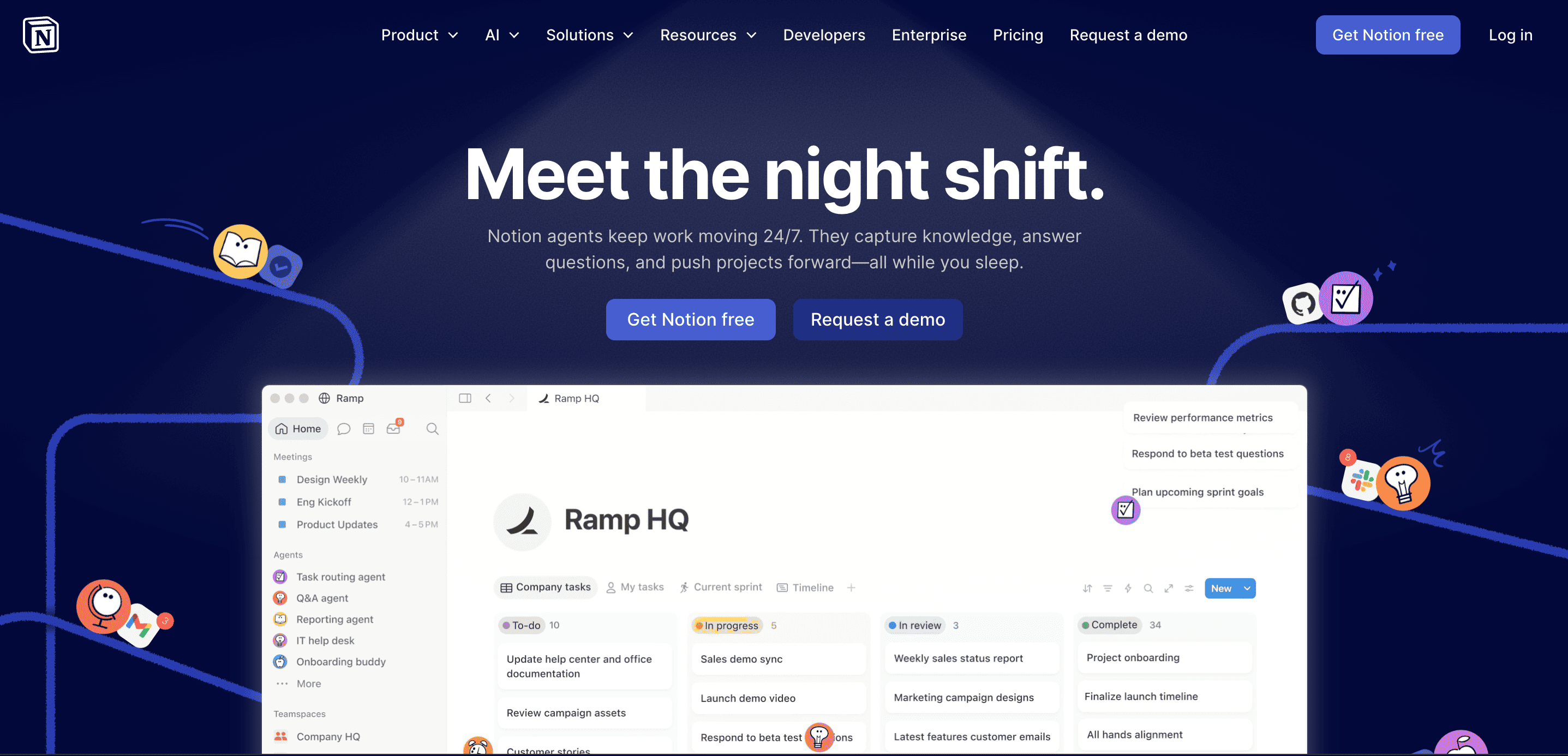
For brands between $1M and $10M that aren't ready for a full PLM, either tool covers most of the tracking you need at a fraction of the cost. Worth being clear though: this tool manages the calendar and status around tech packs, not the tech packs themselves. Teams that try using Notion as a spec documentation system tend to end up right back in the same fragmentation problem.
Who it's for: Small teams managing 10 to 50 styles per season who need structure without PLM overhead.
How to Figure Out Which of These You Actually Need
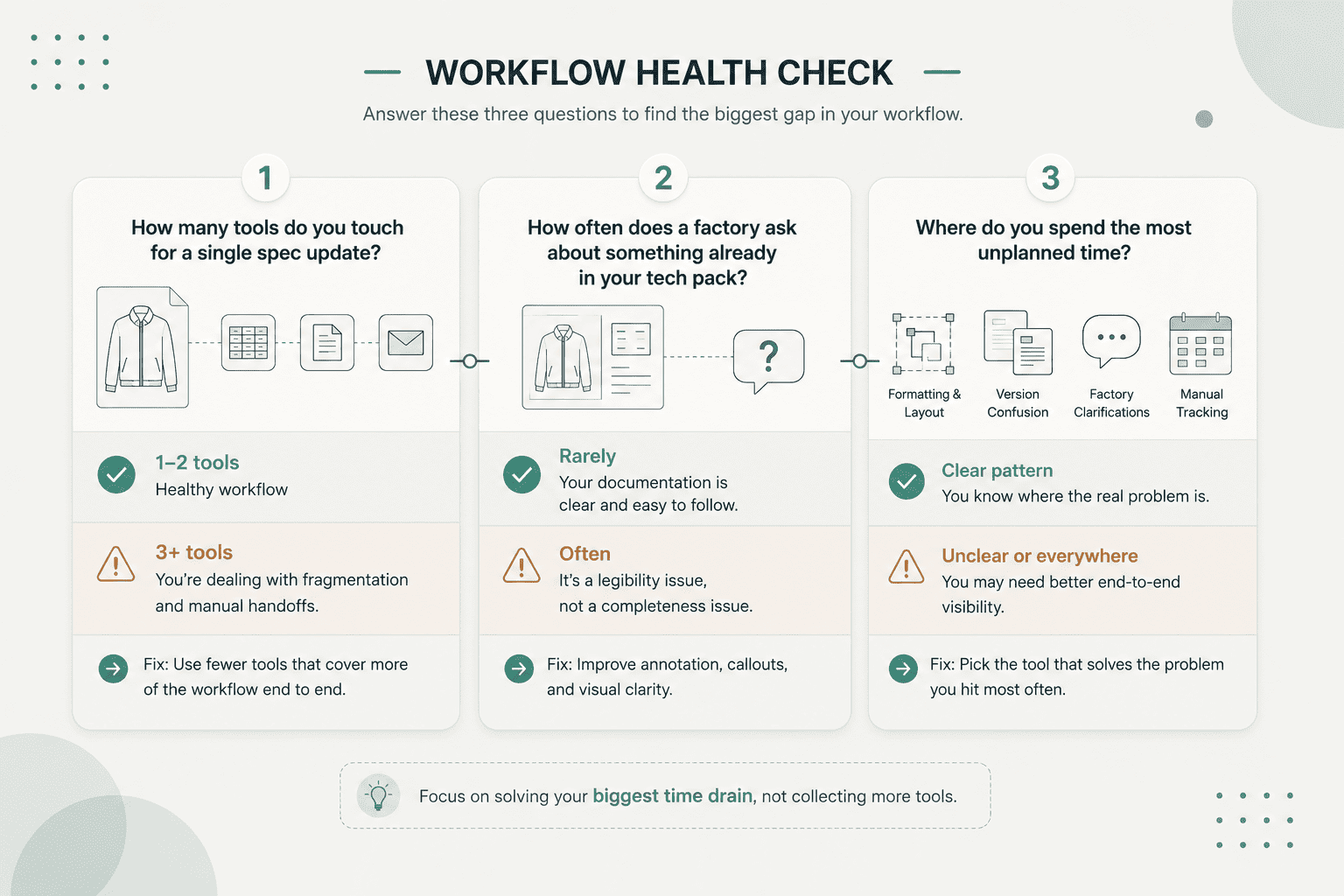
Work through these three questions to find where your workflow is losing the most time.
- Where do you spend the most unplanned time? Formatting and layout work points to a tech pack tool gap. Version confusion points to a version control problem. Lots of factory clarification rounds point to a spec clarity problem.
- How many tools do you touch for a single spec update? More than two means fragmentation. The fix is fewer tools that cover more of the workflow without manual handoffs between them.
- How often does a factory ask something already answered in your tech pack? That's a legibility problem, not a completeness problem. Better annotation fixes it, not more detail.
A Practical Starter Stack by Team Size
Solo freelancer: Repsketch for fast garment flats, Techpack Builder for documentation and factory sharing.
Small brand (1 to 5 people): Repsketch for fast garment flats, Techpack Builder for spec documentation and version control, Notion for development calendar tracking.
Growing D2C brand (5 to 20 people): Repsketch for garment flats, CLO 3D to reduce sample rounds, Techpack Builder for factory-ready documentation, WGSN for trend direction at the planning stage, and PLMBR when collection volume requires full lifecycle tracking.
The One Change That Moves Everything Else
At some point, every designer has had that moment where a sample comes back wrong and you're sitting there tracing back through emails and file versions trying to figure out where it went sideways. It's frustrating because you did the work.
That's usually where it's worth stepping back and looking at how your specs are actually getting built and shared, not whether you're working hard enough or communicating enough. A lot of the back-and-forth that eats up weeks of a season can be traced back to documentation that was built into tools that were never really meant for it.
Download Techpack Builder free for Mac and Windows, no sign-up required, and build one tech pack in it. Most designers know pretty quickly whether it's solving the right problem for them.
Other basic FAQ's
1. How do I make tech packs faster without sacrificing quality?
Start from a professional template instead of a blank file. It cuts out formatting setup and keeps your documentation consistent across styles. Annotating sketches directly rather than relying on cross-referenced spec tables also reduces factory clarification rounds, which is where most revision time actually goes.
2. Is CLO 3D worth it for a small fashion brand?
It depends on your volume. For a brand developing 20 or more styles with two to three sample rounds each, cutting one round through virtual prototyping can easily cover the software cost. For brands working on fewer styles in simpler fit categories, the learning investment might not pay off until volume picks up.
3. Can AI actually create a tech pack for me?
Not reliably on its own, not yet. AI can help with specific parts like suggesting callouts, generating base sketches, and drafting BOM structures. But a complete, factory-ready tech pack still needs designer judgment that AI can't consistently replicate.
4. Do I need a PLM to manage tech packs professionally?
Not in early growth stages. A full PLM is built for teams managing hundreds of styles across complex global supply chains. For brands under $10M or for freelancers, tools like Techpack Builder and PLMBR cover what you need at different growth stages without that overhead.
5. Why does my factory keep asking questions already answered in my tech pack?
Usually, because the information exists in the spec but isn't visually connected to what it's describing. A factory technician reading a measurement table while looking at a sketch has to mentally match everything up, and that's where errors creep in. Annotating sketches directly with callouts anchored to the actual seam or construction detail removes that step entirely.